3D studio in Madrid


Interactive 3D office and building
visualizations from floor plans.
Visedra is a Madrid studio for owners and agencies that lease or sell offices. Your floor plans, in 3D, on your website and on any phone.

Your office, on every
prospect’s phone.
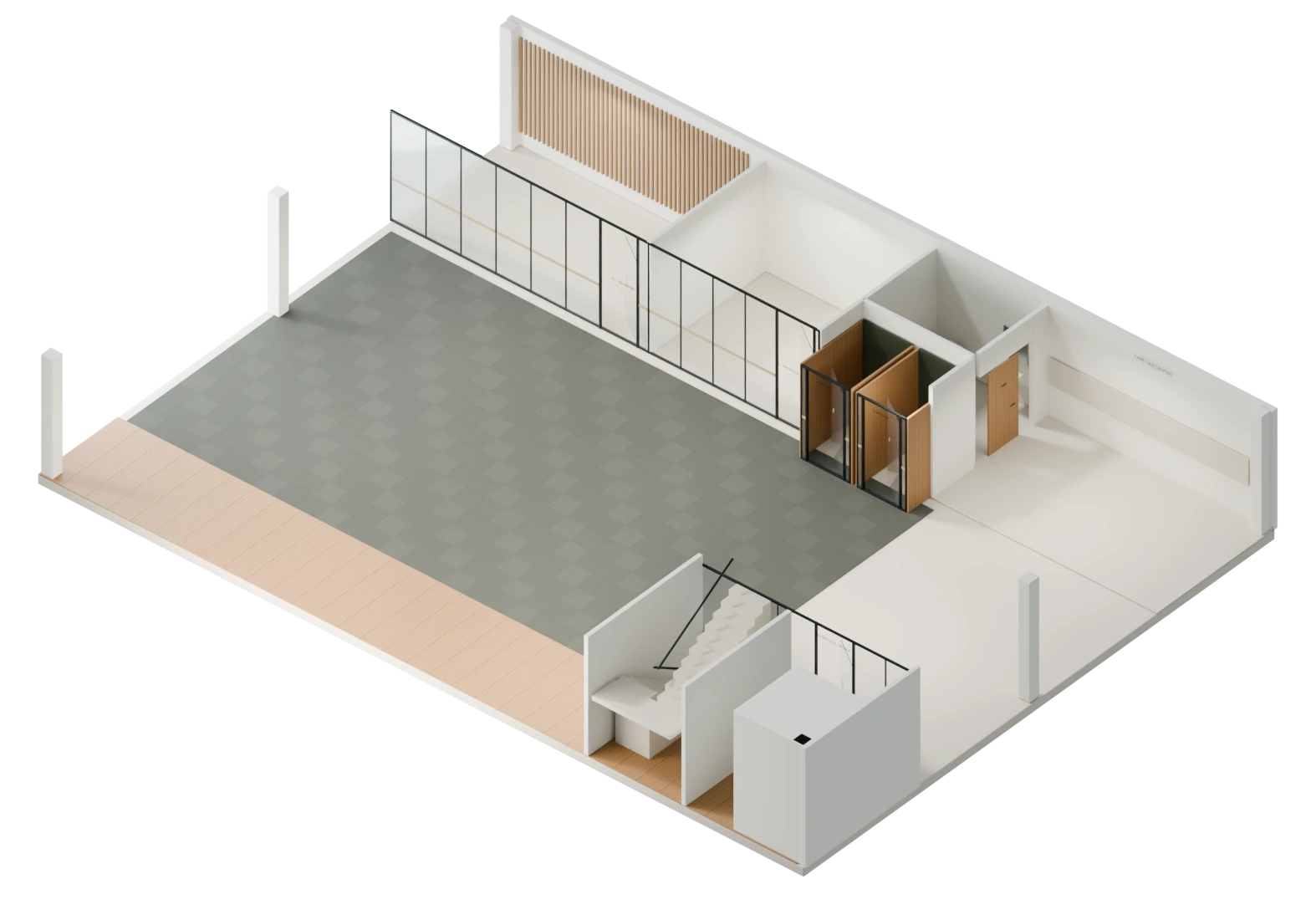
Show it empty,
exactly as it is.
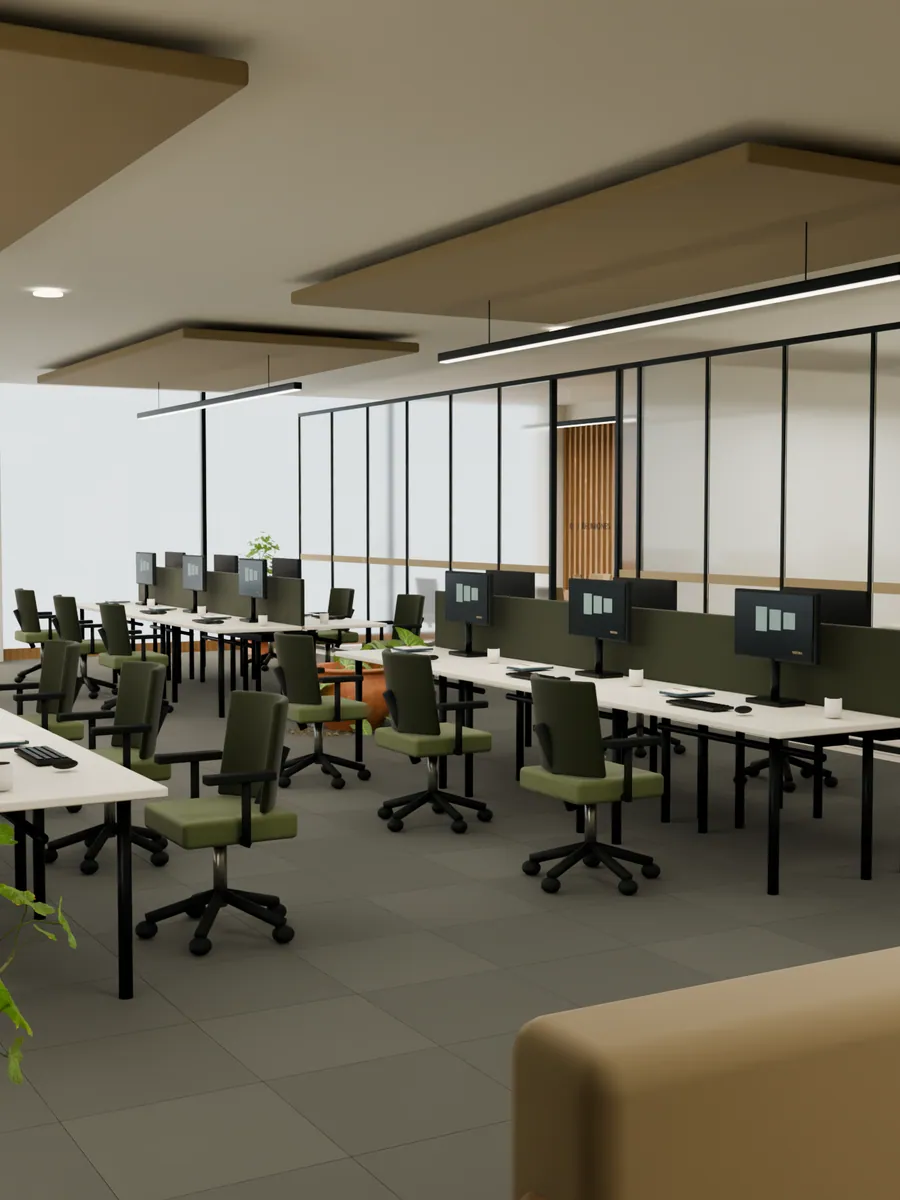
Or furnished, so they can
picture working there.
And let them walk every room
without leaving their desk.
So people understand your property before the first visit.
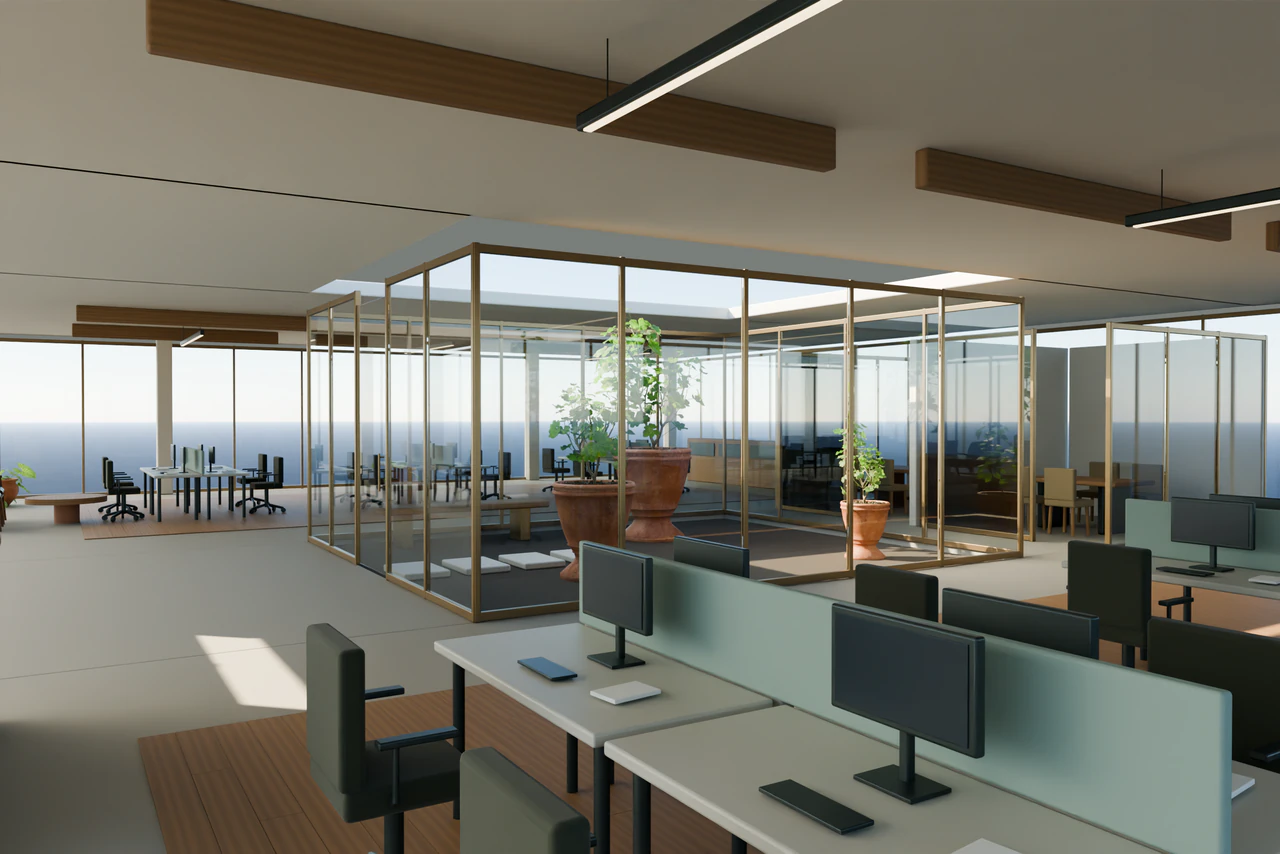
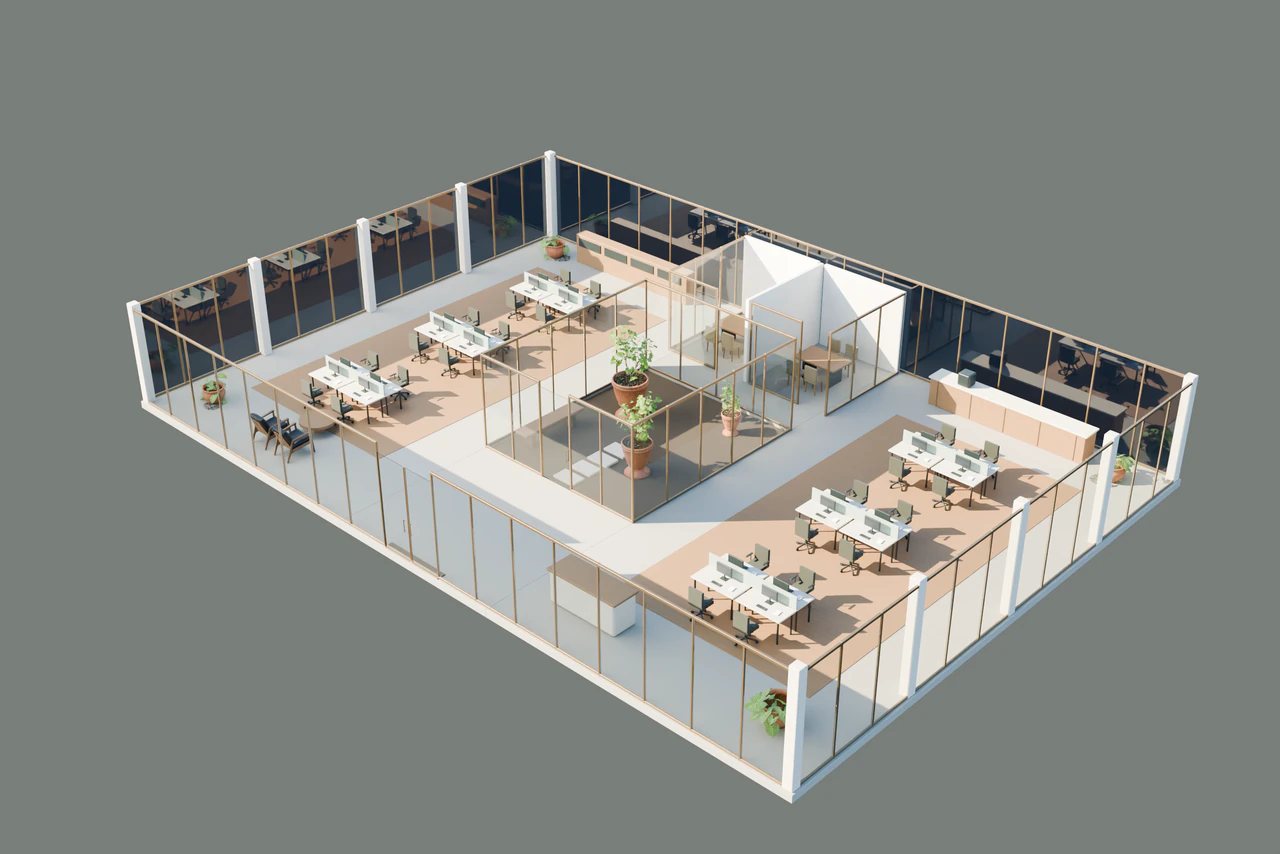
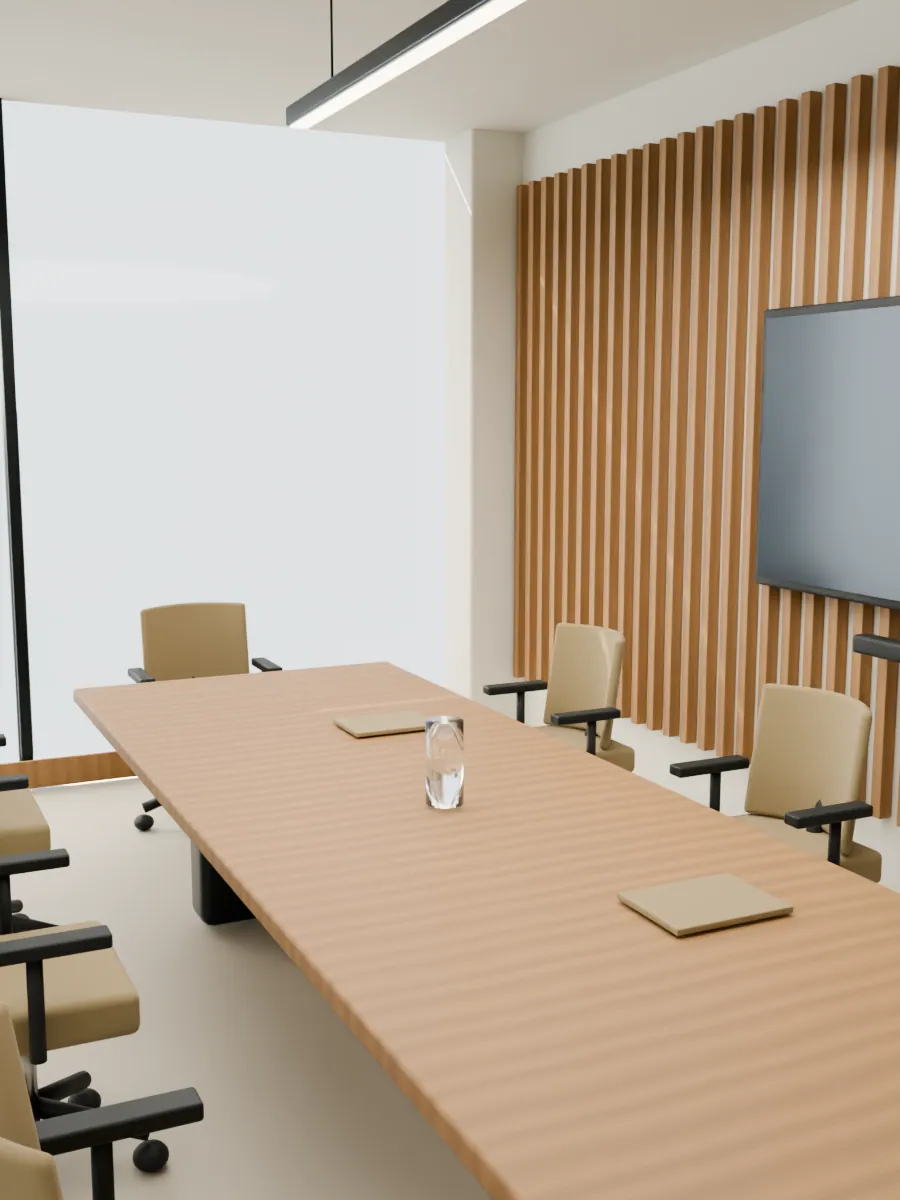
Empty or furnished, with three different layouts.
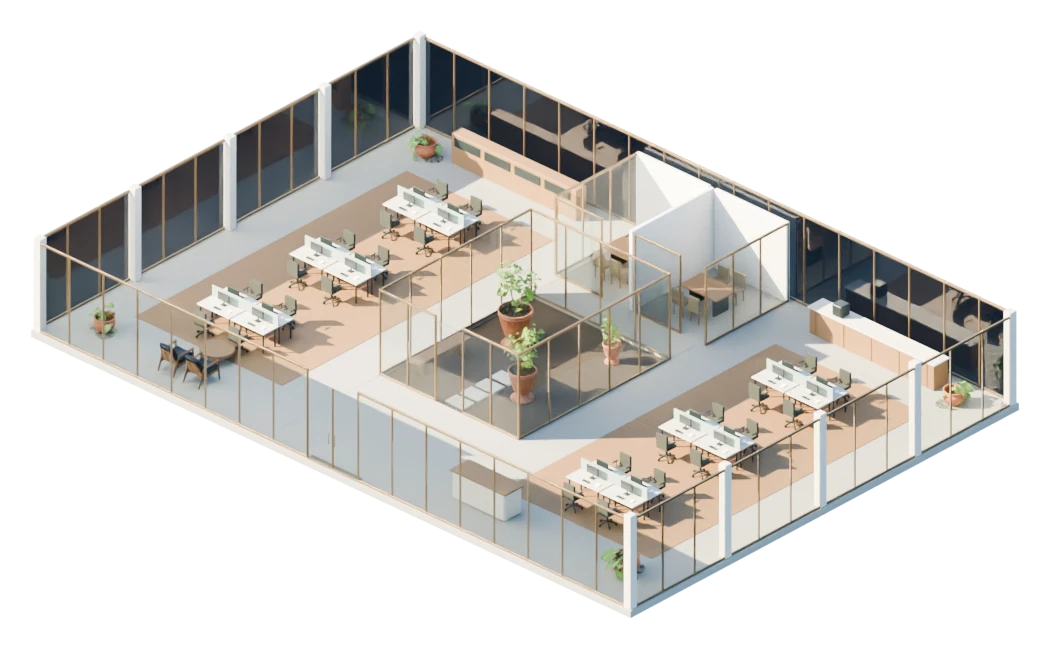
Drag horizontally to rotate. Scroll to continue on the page. Use the view and zoom buttons, or arrow keys when the view is focused. Escape leaves the view.
The images show the Focus layout. Your selection is kept for sharing and your request.
View images
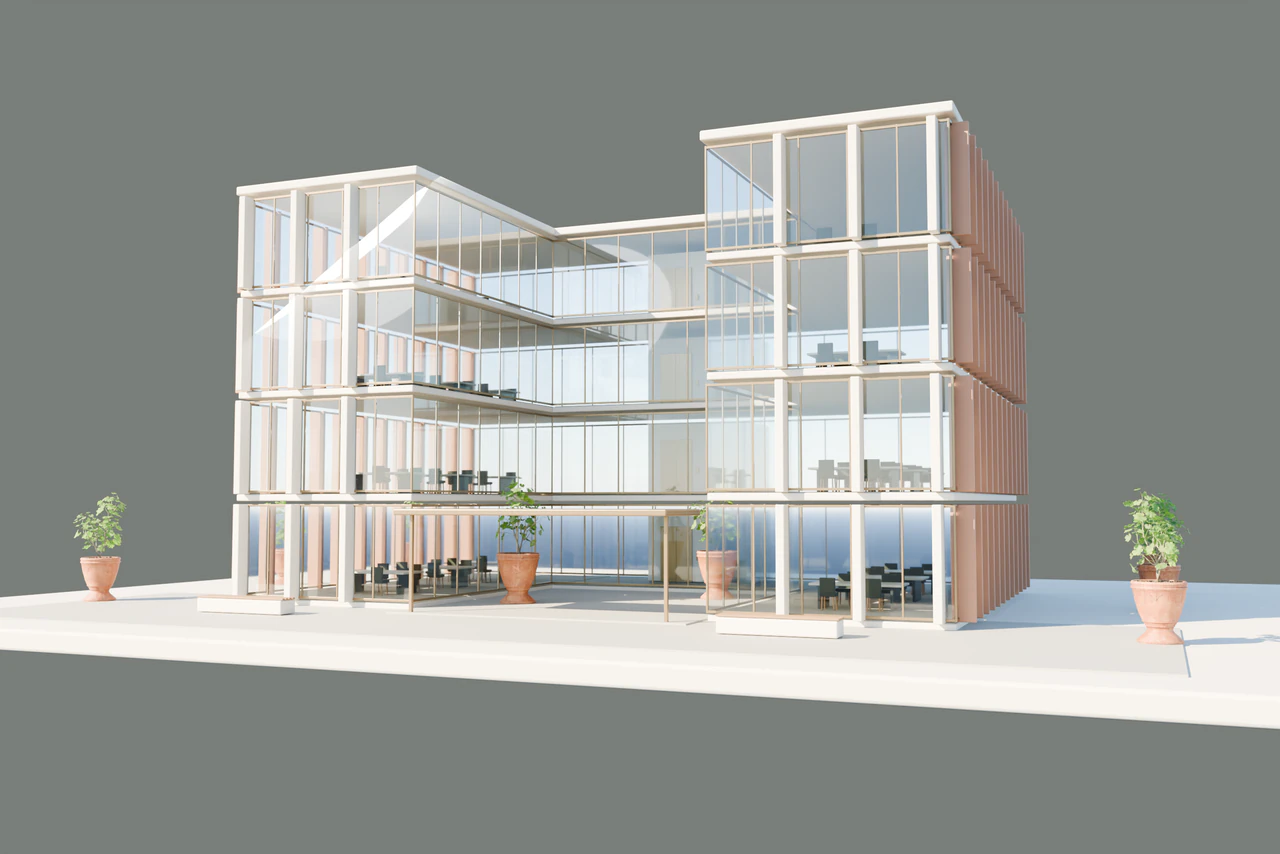
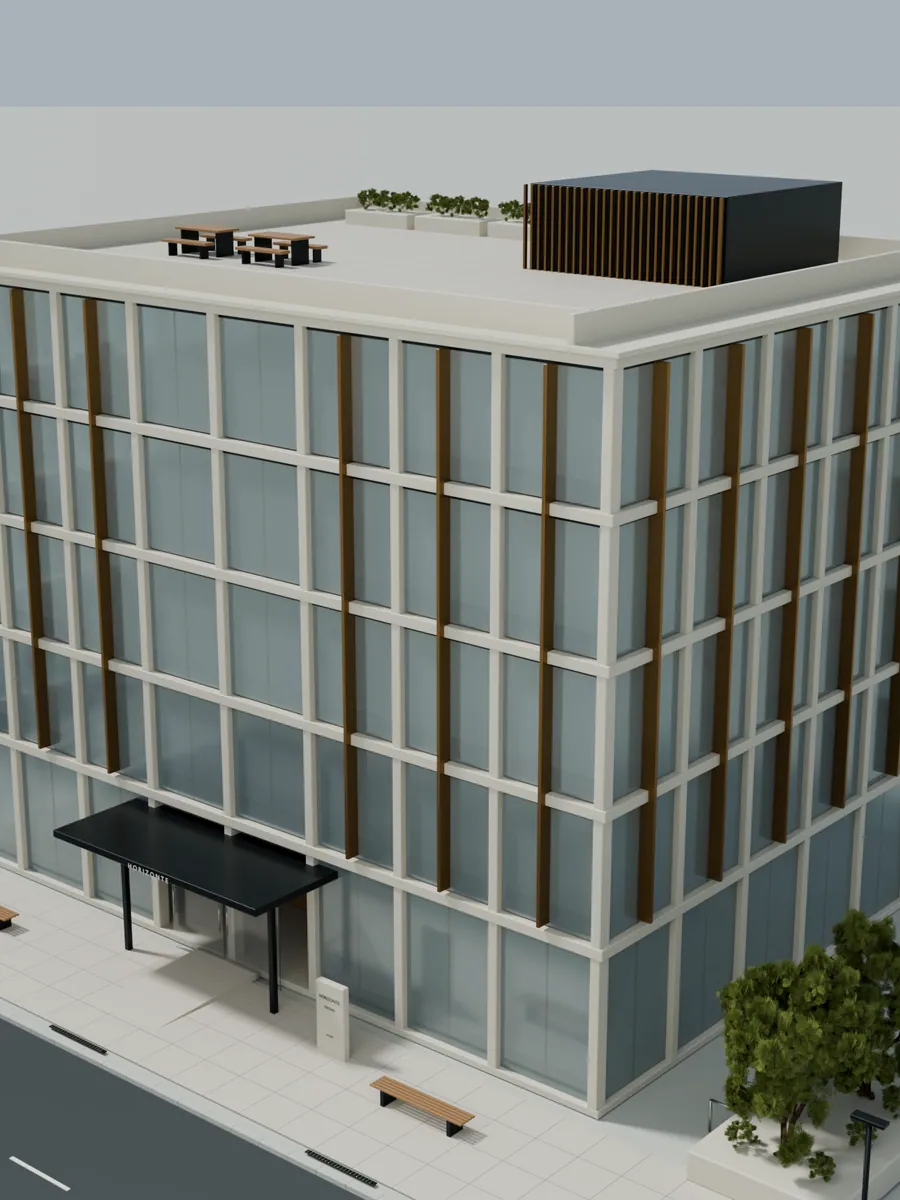
Walk each floor, then return to the whole building.
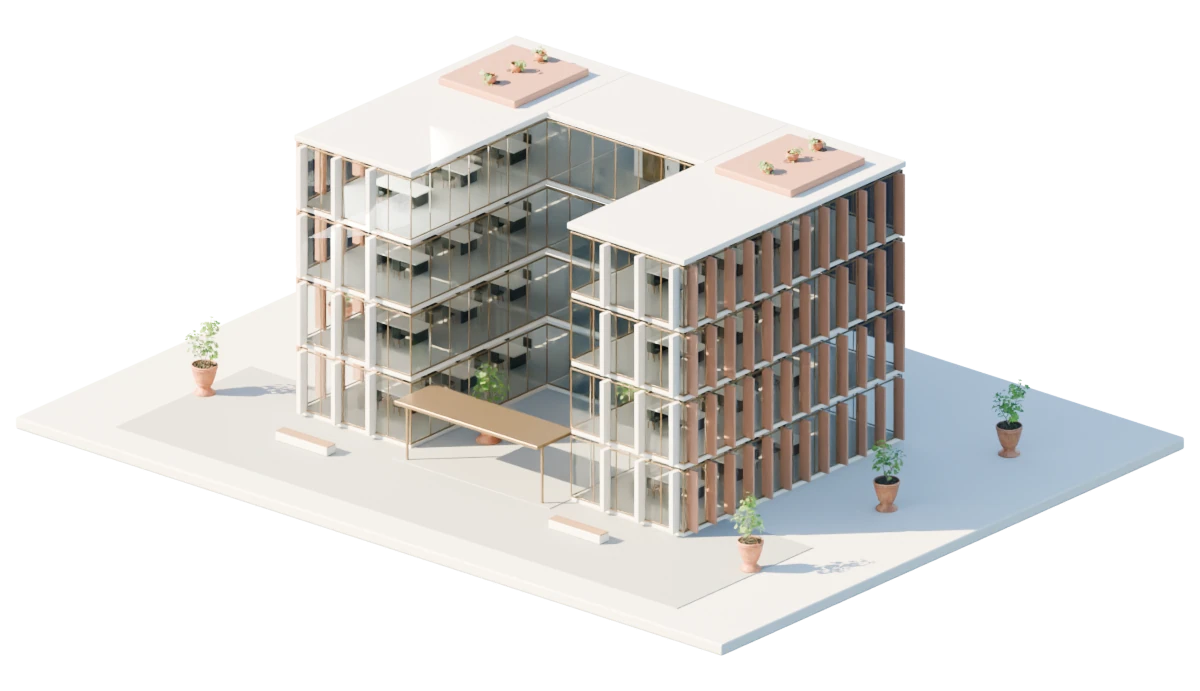
Drag horizontally to rotate. Scroll to continue on the page. Use the view and zoom buttons, or arrow keys when the view is focused. Escape leaves the view.
The images show the whole building. Your selected floor is kept for sharing and your request.
View images
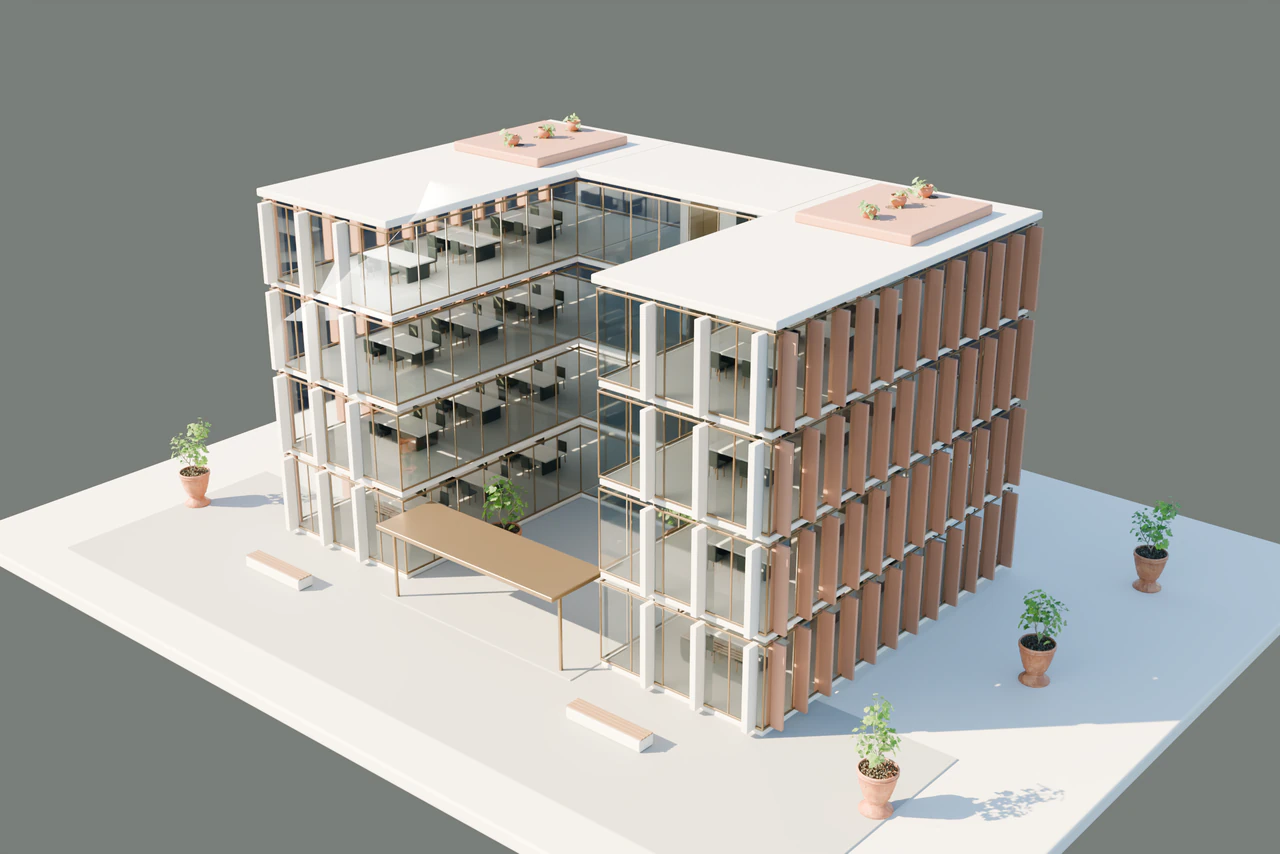
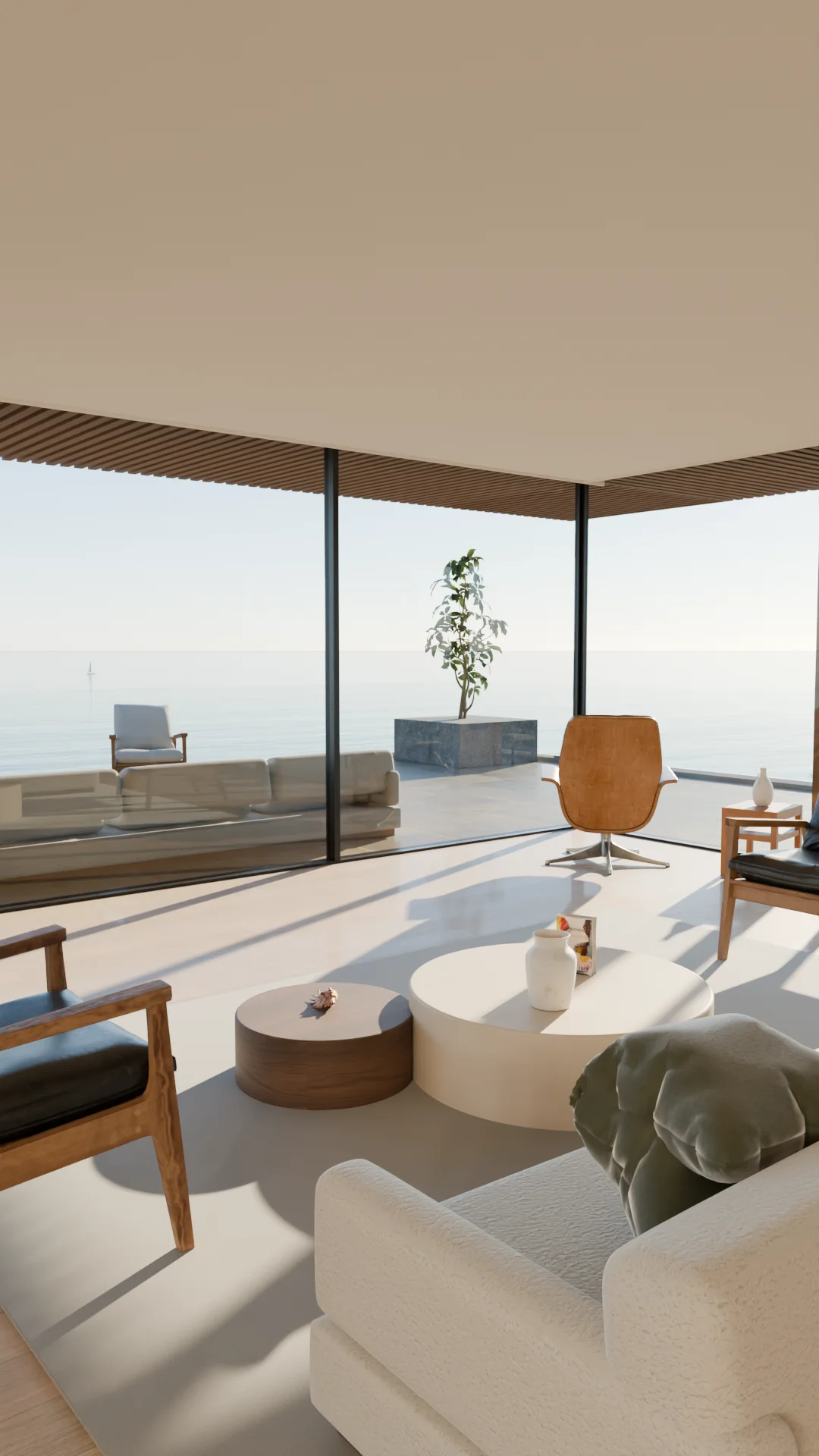

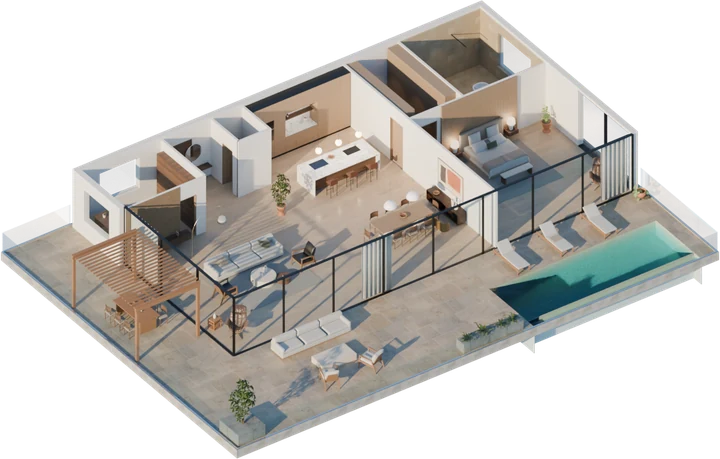
Walking through a space explains it better than any floor plan.
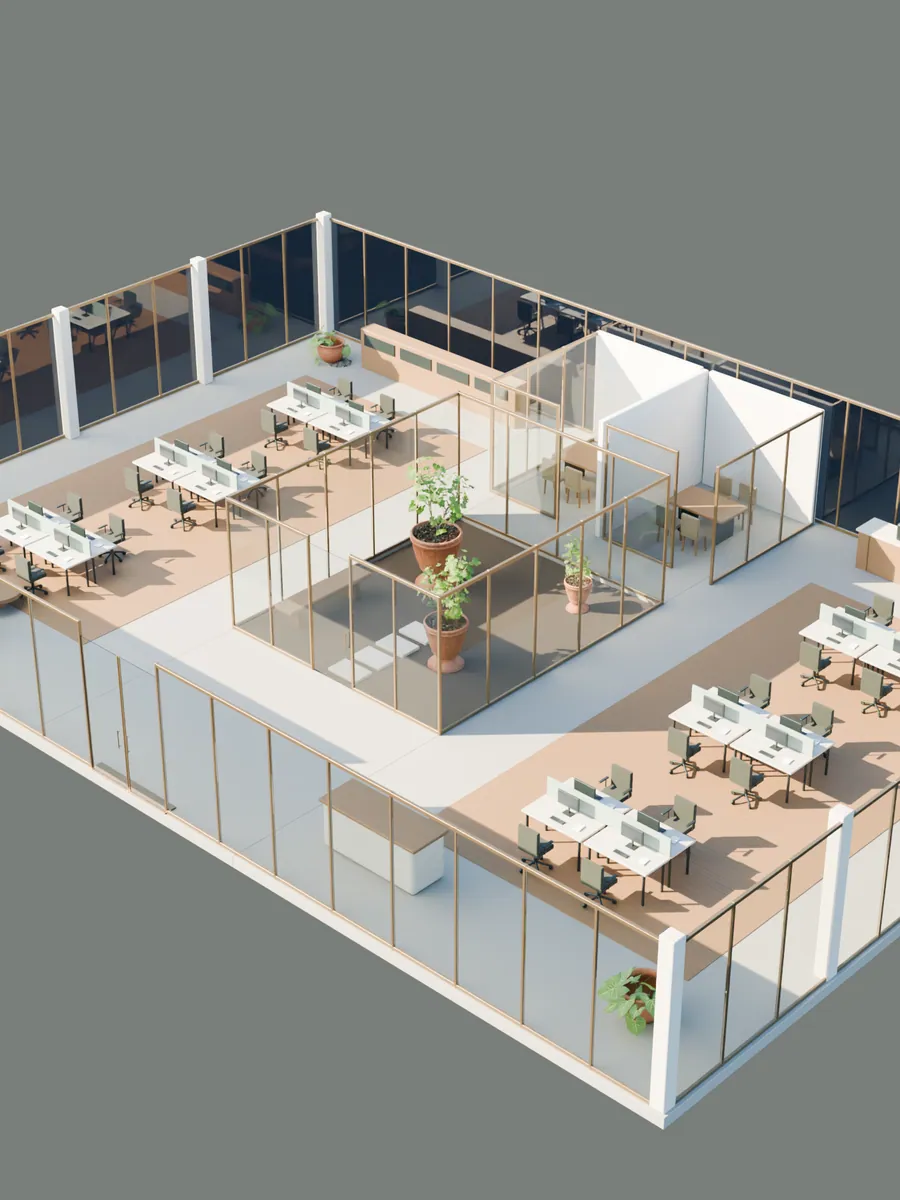
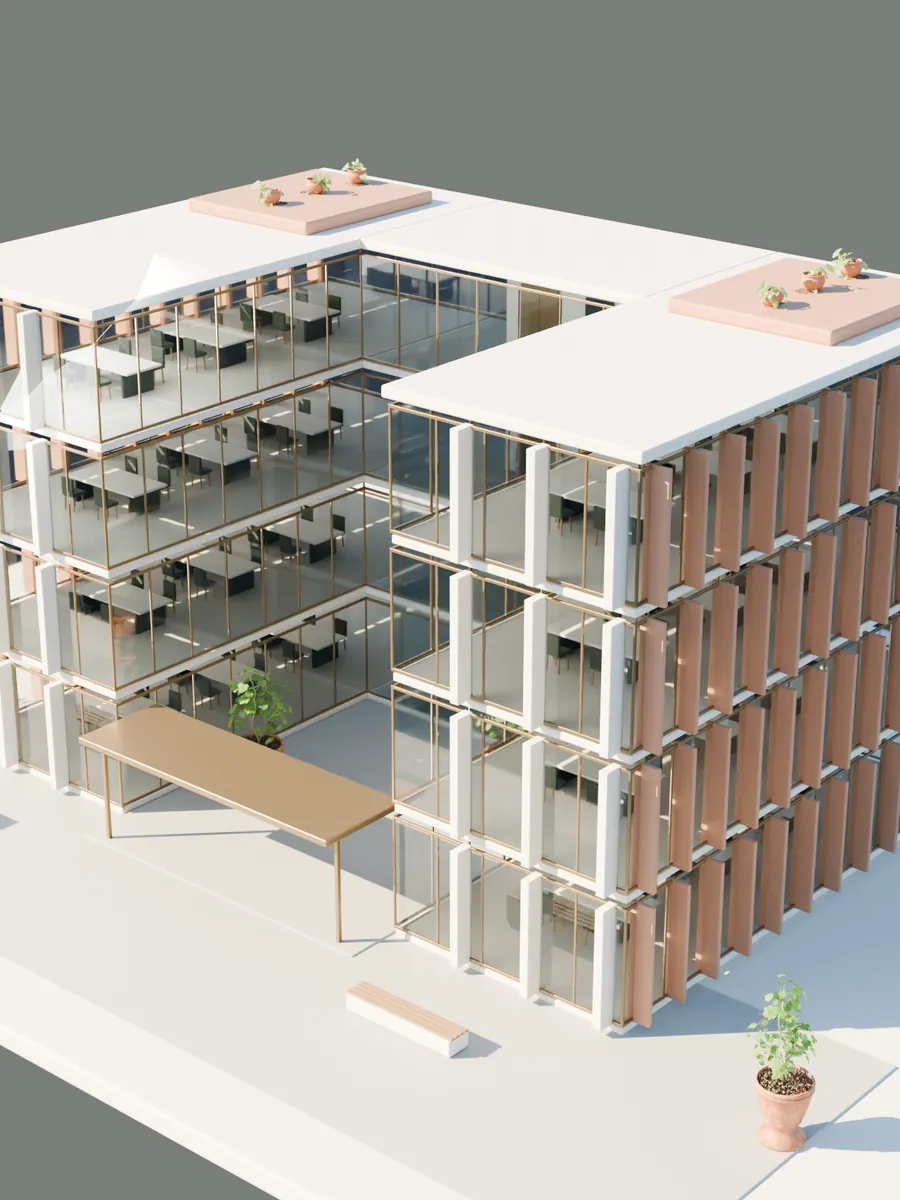
What every project includes
- Rounds of changes included
- 3
- Months of hosting included
- 12
- Apps to install to view it
- 0
WHO IT IS FOR
For owners and brokers
of office buildings.
If you own the building
- One presentation of the building that every broker on it can use.
- Show the empty floor furnished, in more than one layout.
- You decide which brand it carries and who shares the link.
If you lease or sell it
- Add it to your marketing proposal to the owner.
- On a tour, walk prospects through two or three layouts on the real floor plan: a test fit they can see.
- Afterwards, send the exact view you discussed so the decision makers see it too.
See your building before you order anything.
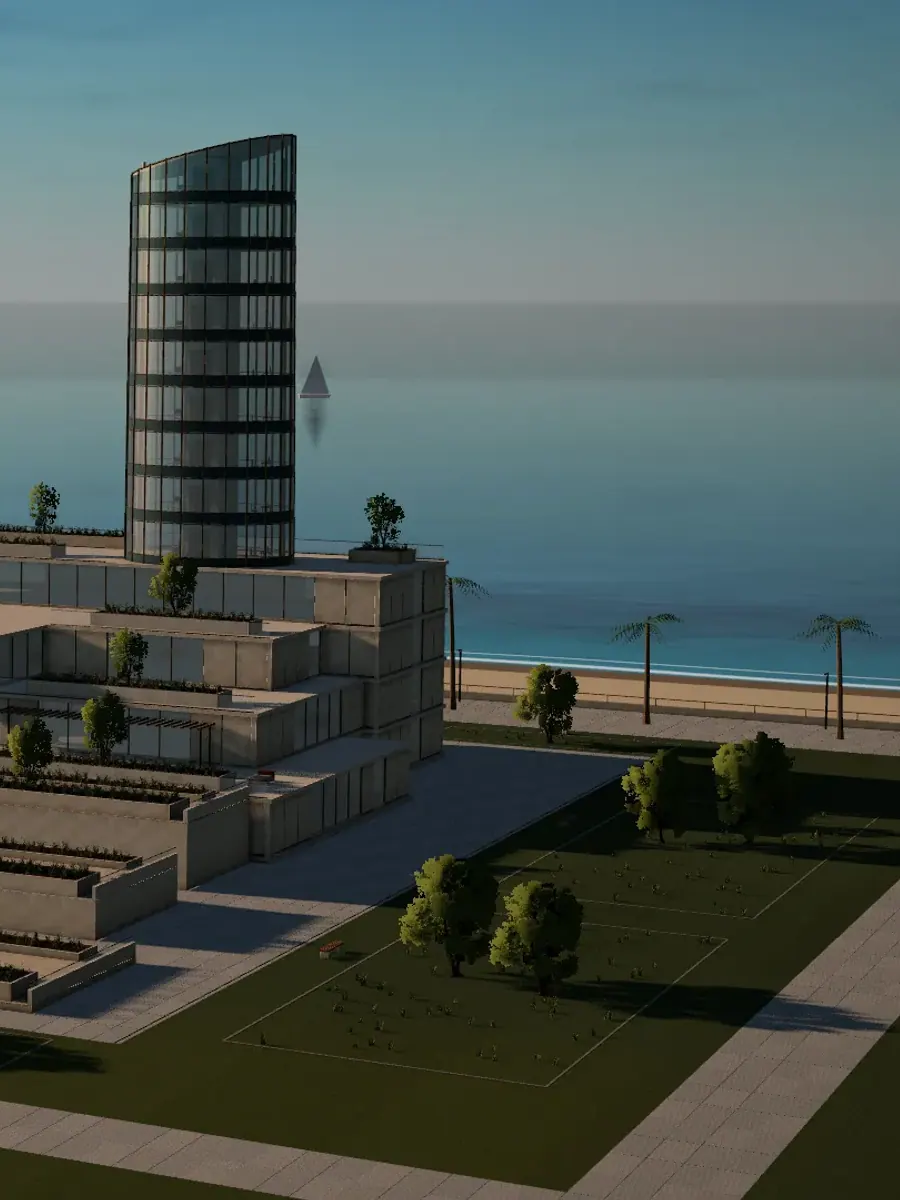
If you own the building or hold the leasing mandate, we prepare a free sample of its exterior in 3D, with its surroundings, on a private link. All we need is the address.
You pay half when we start and the other half once you approve the first version.
How it works
You send the plans.
We do the rest.
You don’t need to know anything about 3D. We review your material, agree in writing what to show and deliver the viewer ready to share.
- 01
You send
Plans, photos or the property listing.
- 02
We agree
What to show, price and timing, in writing.
- 03
We build
The 3D, with up to 3 rounds of changes.
- 04
You share
One link for your website, emails and meetings.
Take it wherever
your prospects are.
The example office, with its own link.
Open the example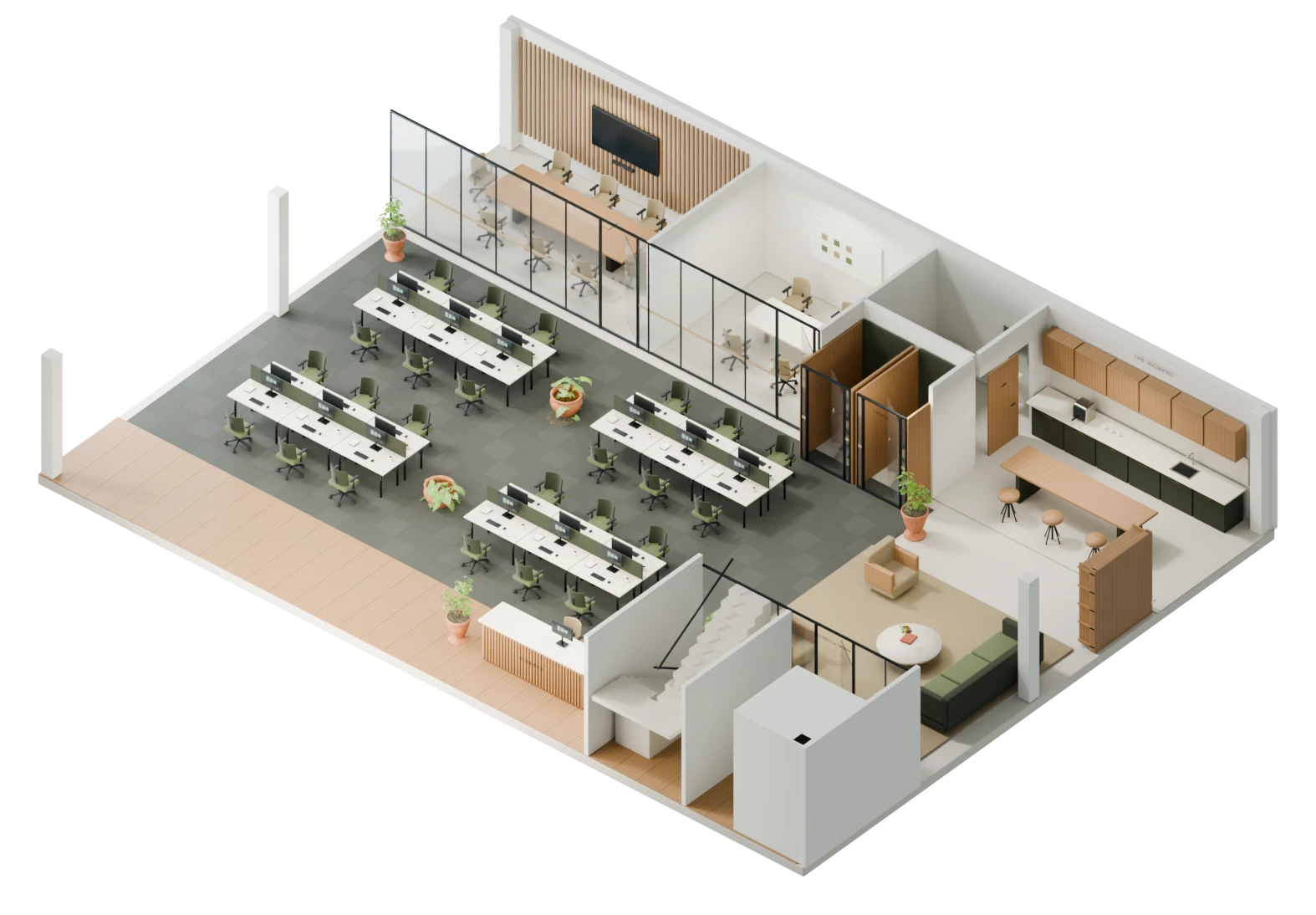
Every viewer has its own link. Put it on your website, send it by email or text, or add it to your brochure.
- Your website
- Text and chat
- PDF brochure
- Meetings
- Social media
On your website
Putting it on your site
is copy and paste.
Whoever runs your website pastes a block of code into the property page and the 3D appears inside it, like in this example listing. Or simply add a button that opens it.
<iframe
  src="https://visedra.com/v/your-property"
  width="100%" height="560"
allow="fullscreen"></iframe>- With a link
- A “View in 3D” button on your site opens the viewer full screen.
- Inside the page
- With the code block, the 3D shows inside the listing, like above.
- Keeps your site fast
- It can load only when someone taps it, so your page stays fast.
- We check it with you
- We review your site first and test it on desktop and mobile.
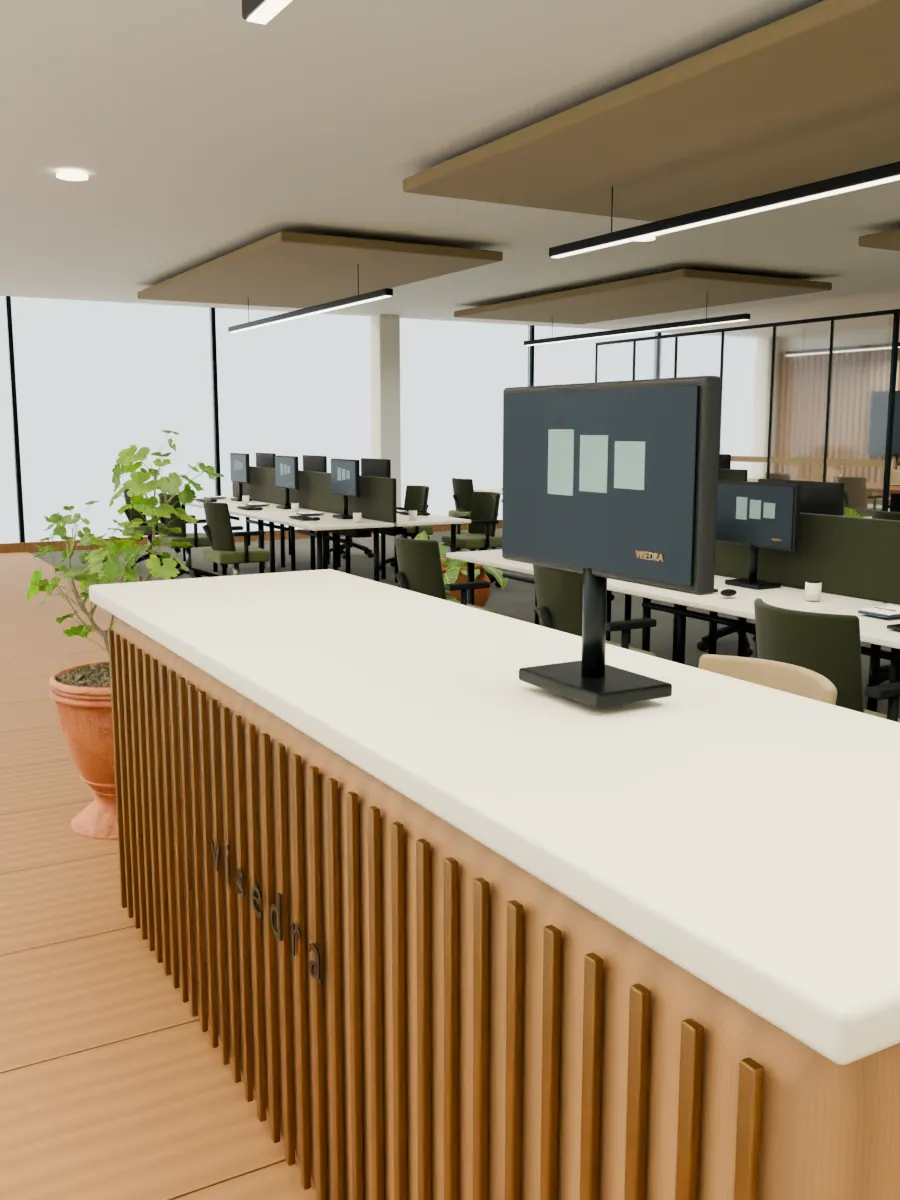
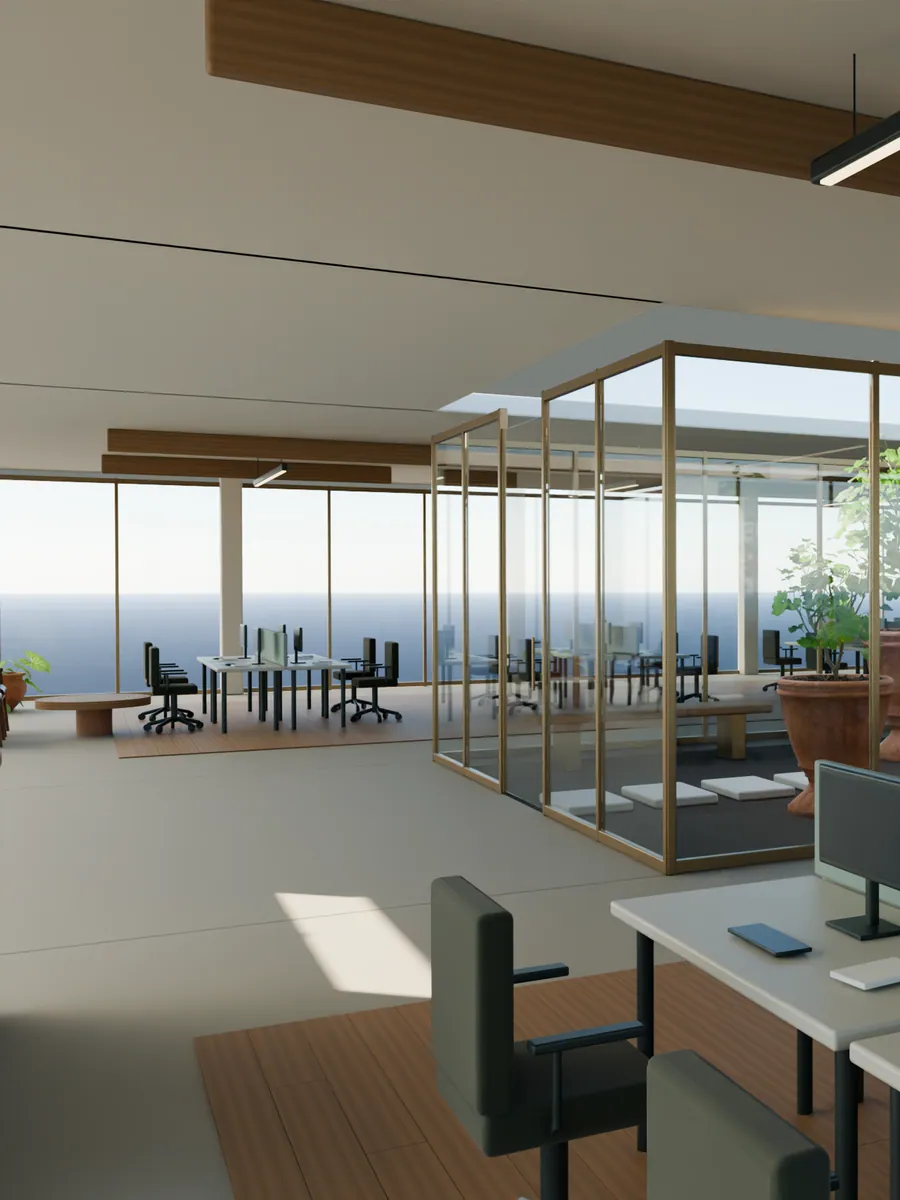
We build offices, whole buildings, floors, interiors, exteriors and shared areas in 3D.
 01
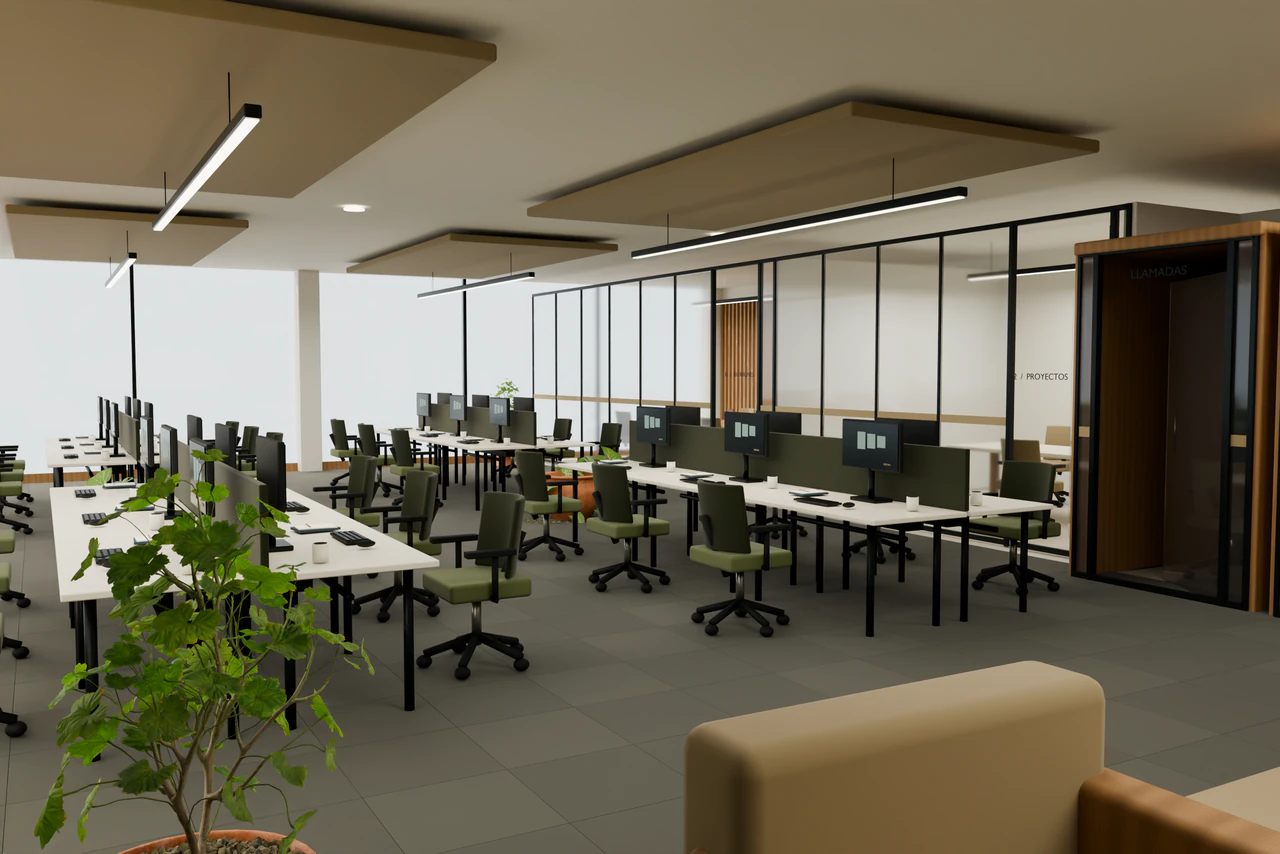
01Offices
Desks, rooms and circulation with the agreed furniture.
See how an interactive 3D office floor plan works.
Studio or program? Floor plan to 3D: studio or software.
 02
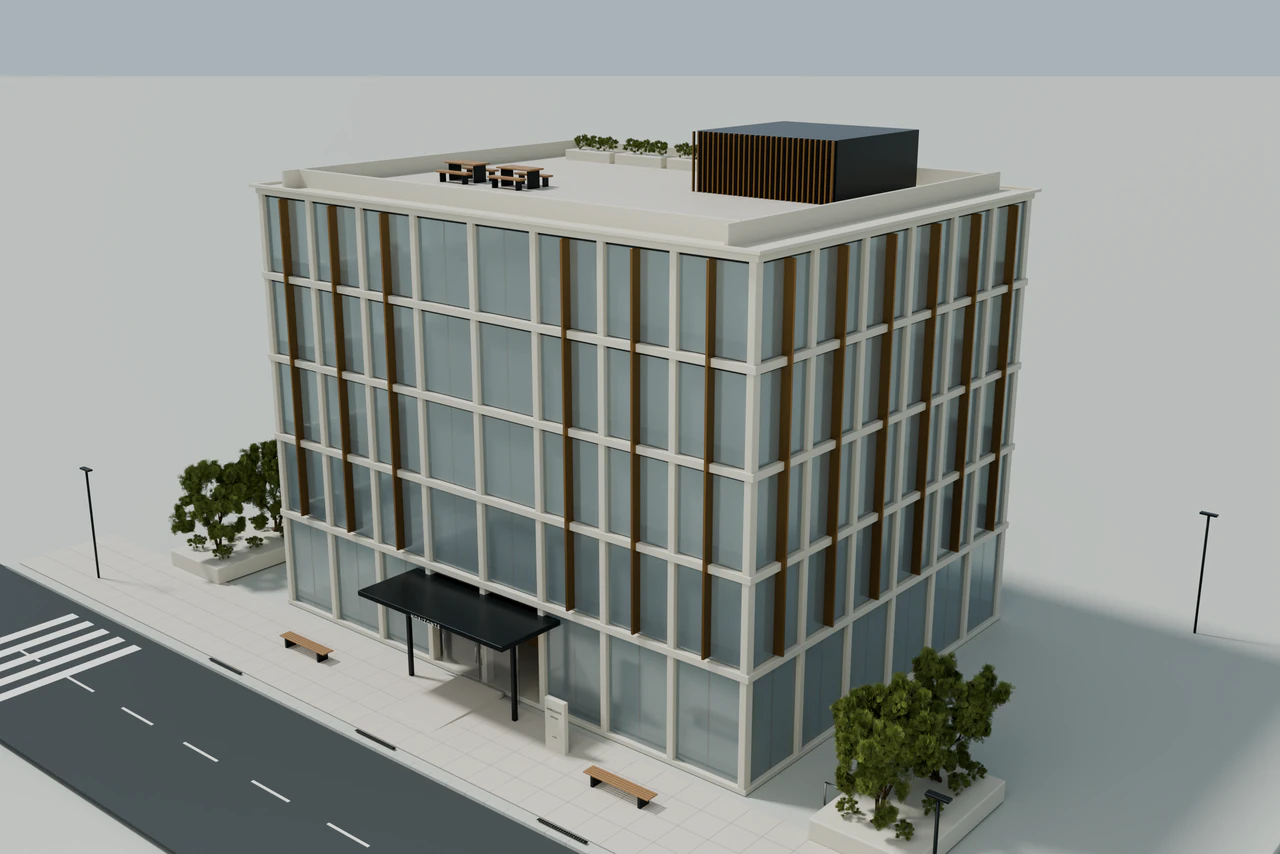
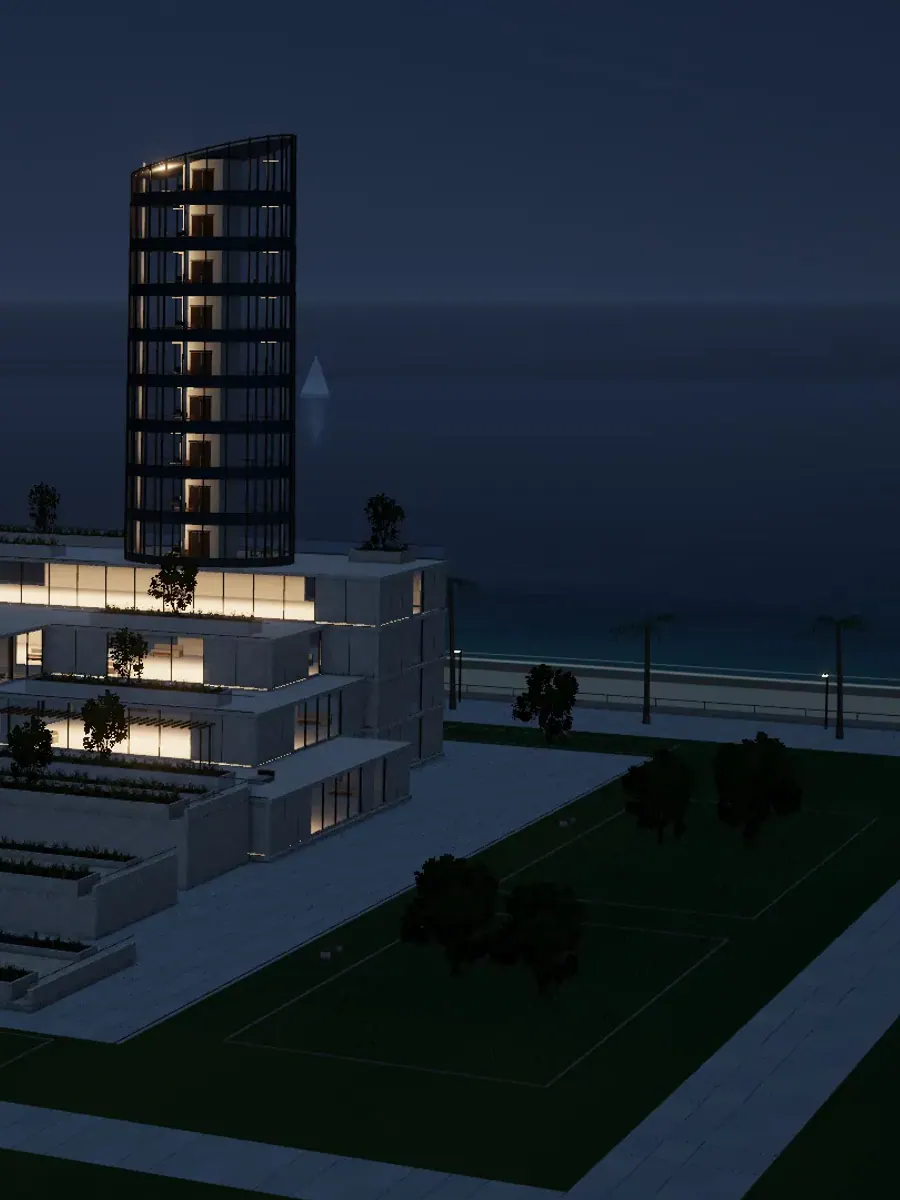
02Buildings
Volume, entrances and facade to understand the whole.
- 03
Floors
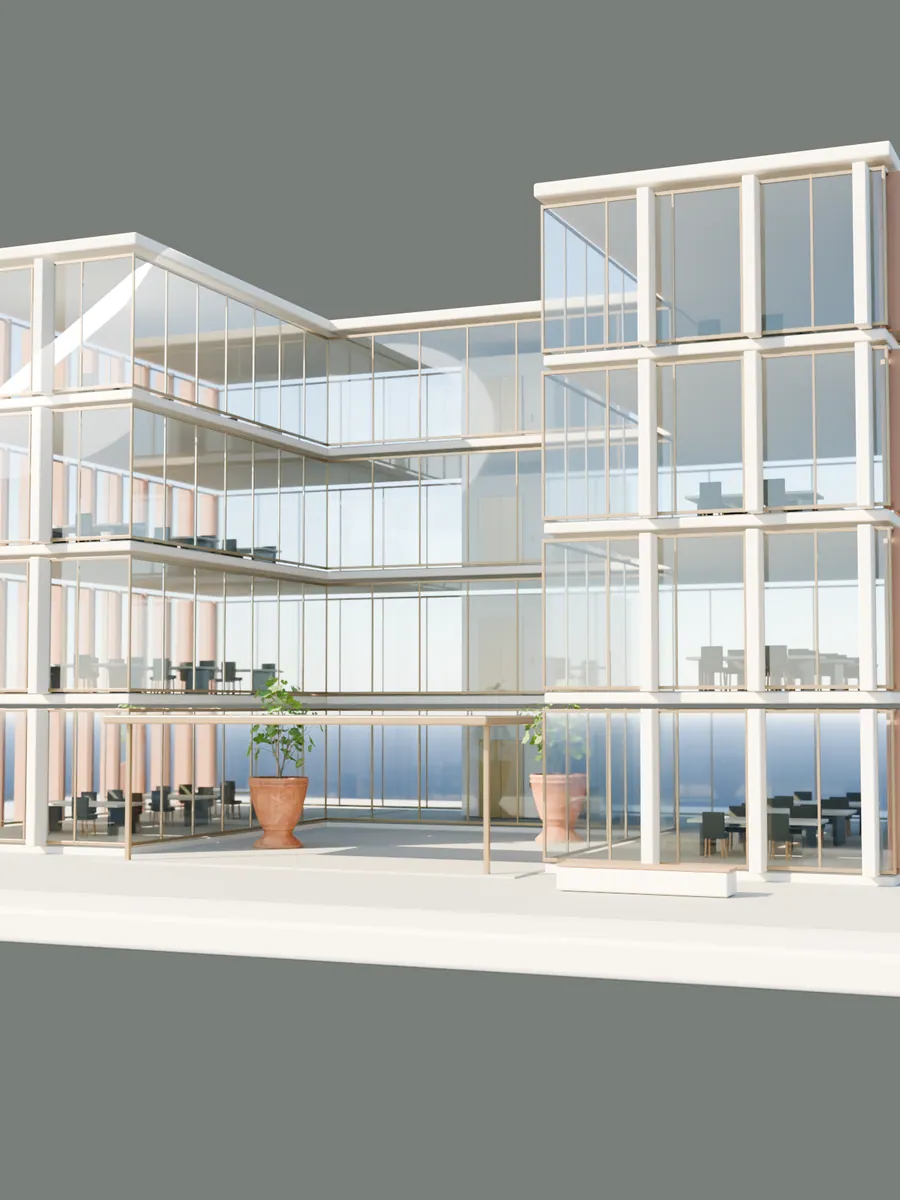
Each floor on its own, empty or furnished.
- 04
Interiors
Eye-level views with light and materials.
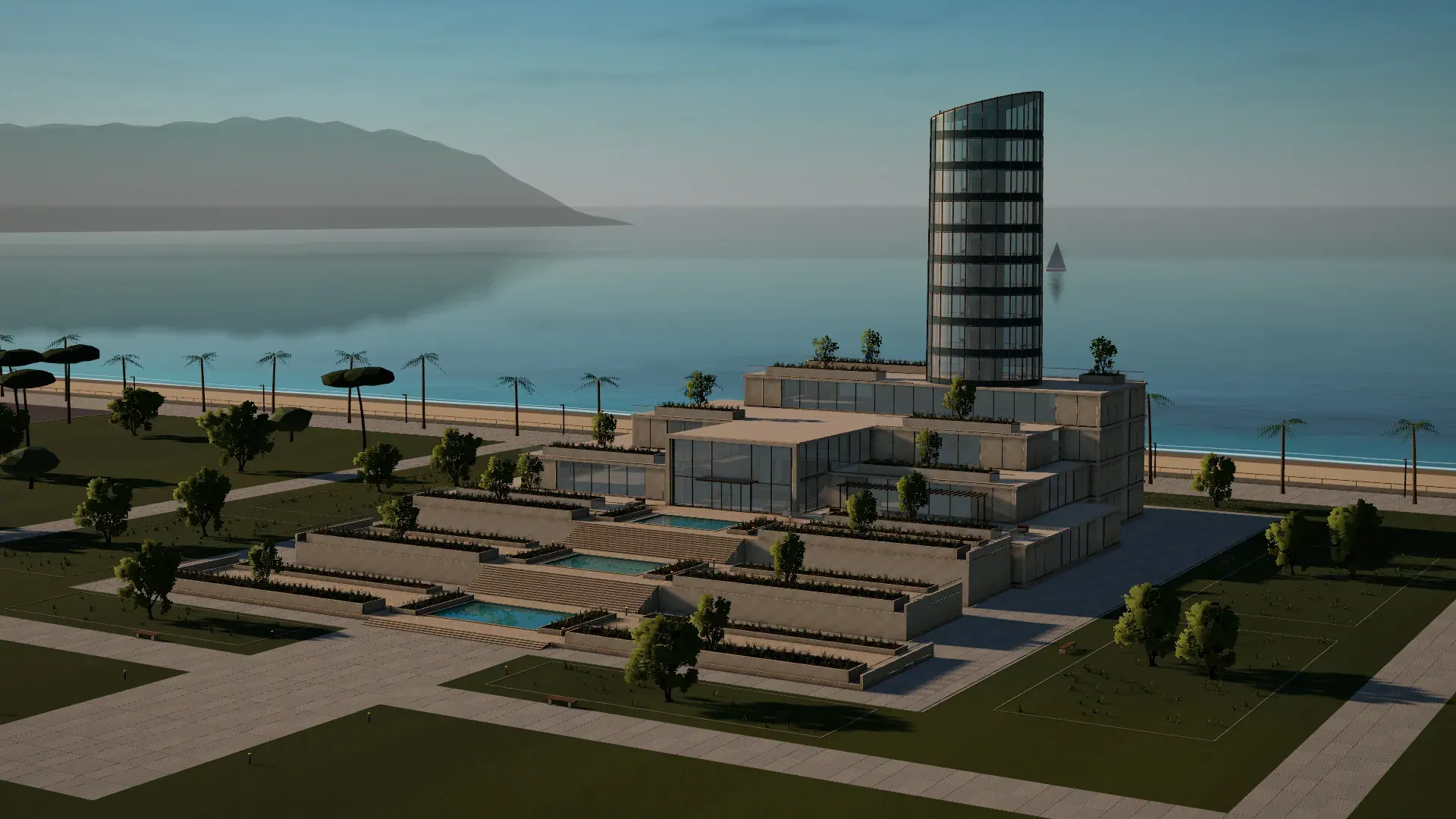 05
05Exteriors
The building in its setting, by day and by night.
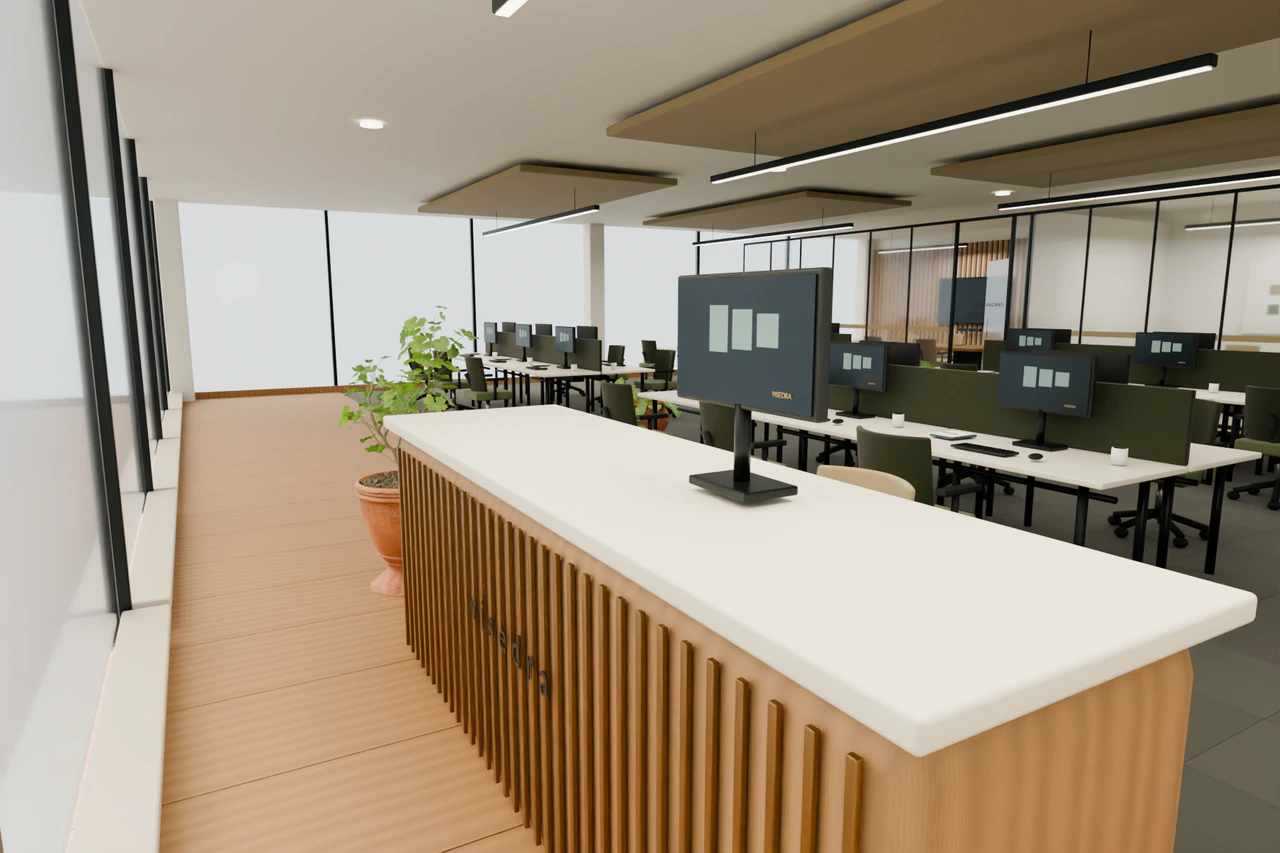 06
06Shared areas
Reception, meeting rooms and common spaces.
Let people see the building and its surroundings before they travel.
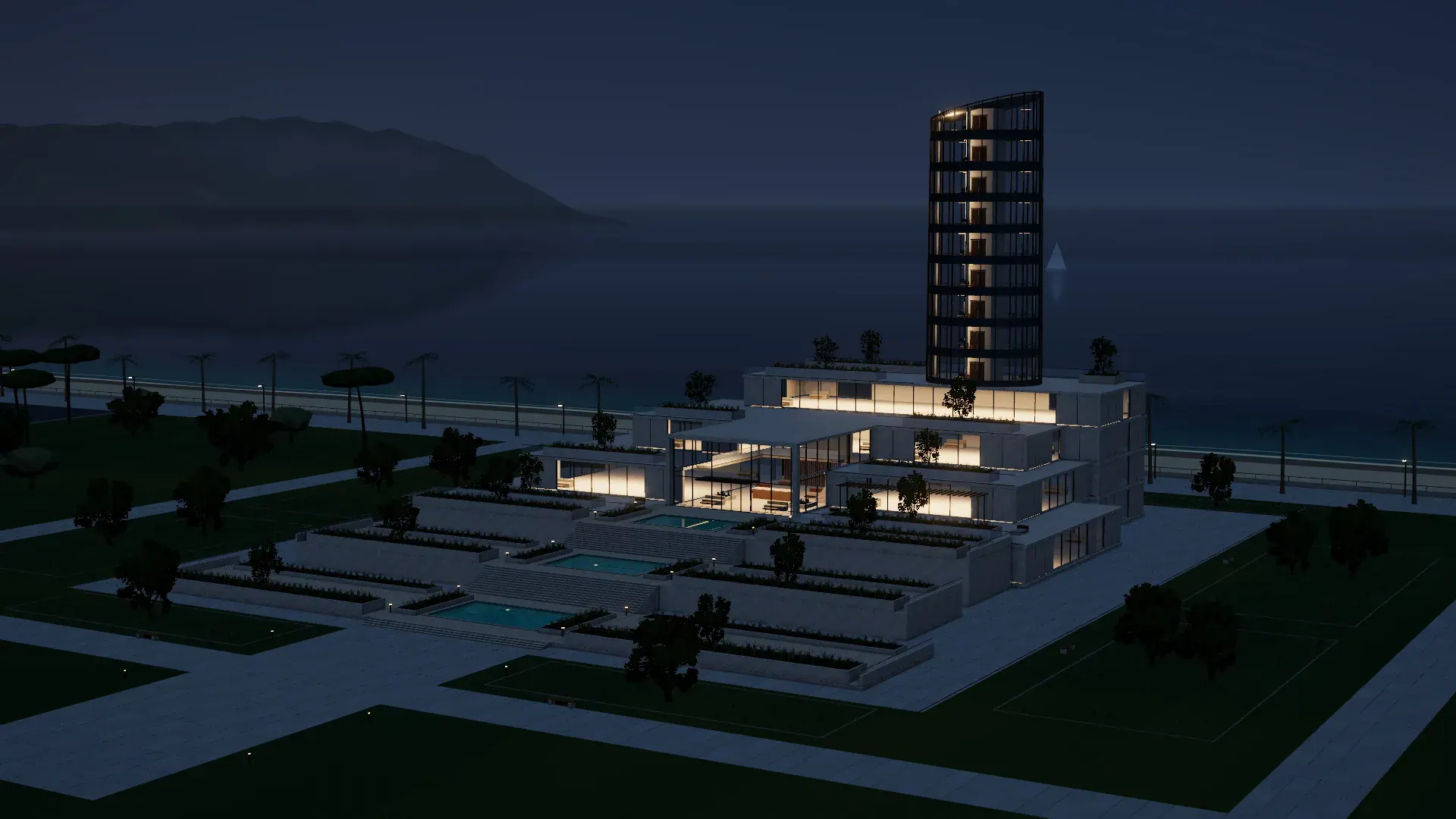
Homes too, walked through room by room.
Leasing or selling an office
or a building?
QUESTIONS
Before
you begin.
01What does it cost?
02How do I pay?
03Can I see my building before I order?
04How do you market an office building before it is refurbished?
05What is the alternative to Matterport for offices that are not refurbished yet?
06Can you make a virtual tour of an office without scanning the space?
07What do I need to send?
08How do I put it on my website?
09Do my prospects need to install anything?
10What does a project include?
11How long does it take?
12What if several brokers market the building?
13What if I only need to know whether we fit?
14What happens after 12 months?
15Are the examples on this site real properties?
YOUR PROPERTY
Tell us what
you want to show.
Tell us about the property and where you would use it. Manuel Sampedro reviews it personally and replies within 24 hours, with questions or a written quote. Asking commits you to nothing.