To compare two quotes for a 3D viewer, both must describe the same building, the same level of detail and the same delivery. One figure may include only the model; another, the application and a year of hosting. Sort out those differences before deciding which proposal costs less for the use your brokerage needs.
This guide helps you prepare a comparable request and a delivery review. It does not offer an average market rate: the cost depends on the documentation, on what must be represented and on the integration work. You can use the questions with any provider and keep the answers next to the proposal you finally accept.
Also for office interiors
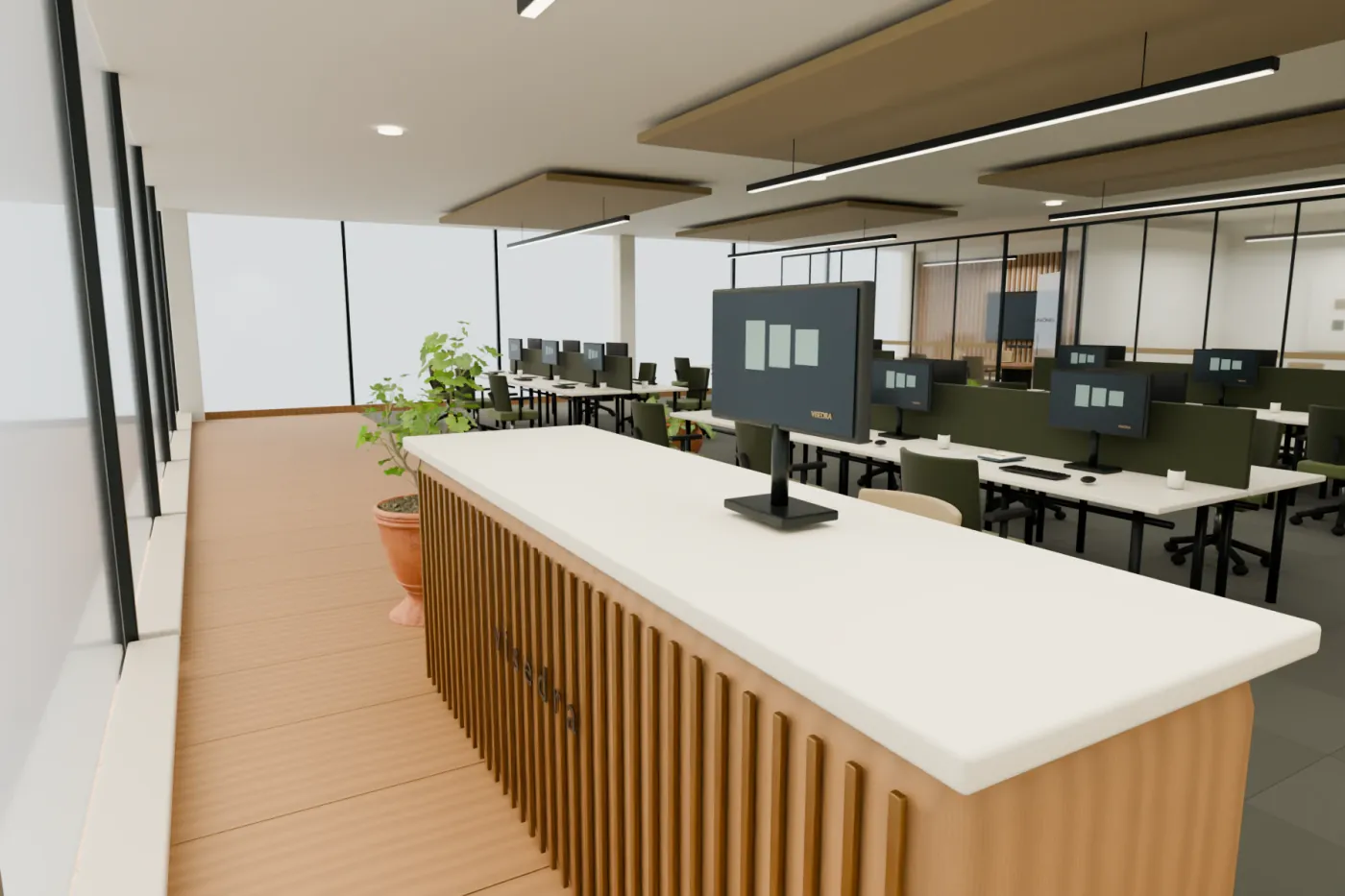
An interior quote must state the rooms and floor area modeled, layout, furniture, finishes, sources and views. Specify whether the current state is represented or a design is proposed. The broker marketing the office can contract their own resource; their rights and the materials they can provide have to be agreed.
Prepare a request that fits on one page
Start with the listing link, a description of the building and the commercial goal. “Show in a meeting how the terraces connect to the entrances” is more concrete than “make something impressive”. Add where it will be used: your own website, an in-person presentation, a video call or a brochure. Each destination changes what must be checked at delivery.
List the material available, its date and the parts of the property it documents. If there was a recent renovation, point out which photos or plans reflect it. Also give a desired delivery date and who will sign off. Concentrating feedback in one person avoids incompatible instructions from several departments.
The eight items that must be comparable
| Item | What to ask | Sign that definition is missing |
|---|---|---|
| Exterior included | Which facades, roofs, entrances and outdoor spaces are modeled? | It only says “building model”. |
| Documentation | Which sources will be used and what information is missing? | The price assumes plans you do not have yet. |
| Fidelity | Which areas are verified and which are approximate? | Accuracy is promised without explaining the sources. |
| Interaction | Are there orbit, zoom, views and mobile controls? | The delivery is only shown in a video. |
| Revisions | How many rounds are included and which changes do they cover? | “Changes included” with no scope or limit. |
| Publishing | Is a link, a file or an embed delivered? | It is unclear who will leave it working. |
| Continuity | How long is hosting and how is it renewed? | The link seems indefinite, but nobody is responsible. |
| Acceptance | On which devices and pages will it be checked? | The only test is on the provider’s computer. |
Tell fixing an error from extending the project
A fix resolves a discrepancy with the approved scope and sources: for example, an entrance represented on the wrong facade. An extension adds new work, such as modeling another lot or including interiors that were not in the proposal. Agree on how both cases are handled before starting, without relying on everything being called “a small change”.
Prepare revision comments on specific screenshots. Say what must change, why and which document verifies it. “The door is here according to the revised plan” resolves a difference; “it doesn’t look quite right” forces interpretation. Grouping the comments of one round also prevents one correction from undoing another.
Check the result your prospect will use
Ask to open the viewer from the delivery address. Orbit the building, change views and check that the framing shows the important areas. Test it on a small screen too and from a connection other than the provider’s. A link can open correctly and still be impractical if the controls are covered.
If there is an embed, the review must happen inside your real listing. Check that a visible way to contact you remains, that the page does not jump unexpectedly when the 3D appears and that there is an alternative to open it separately. A standalone demo confirms a capability, but it does not verify every constraint of your website.
Calculate the cost of the period you will use
Note the initial price, the taxes stated, the integration, the hosting included and the continuity afterwards. Add the work your web provider will have to do. If you expect to use it for two years, compare that full period. Do not turn a still-unknown renewal into a zero cost: ask for it to be specified or mark it as pending.
Your team’s time matters too. A delivery that requires organizing files, installing a viewer and resolving its configuration can be adequate if you already have those capabilities. If you do not, a link ready to share can avoid extra work. The comparison should weigh what is left to do before you can start using it.
How Visedra prices a project
From €149 + VAT: each property gets a fixed quote in writing, within 24 hours if we have the material. The areas, views and options define the work, and it always includes three rounds of changes and twelve months of hosting. Anything outside that is quoted in writing before we do it.
We review the property and confirm the scope, deliverables, price and timing in writing. Production starts after acceptance and the agreed advance payment. Hosting continuity and renewal are also agreed in writing.
Copy this request to get started
I want a 3D design and viewer of [exterior, office interior or both]: [link]. I am [the owner, the asset manager or the broker marketing it]. I will use it in [channels]. I have [photos, plans or a model]. I need to show [areas]. I would like it by [date]. Please state scope, delivery, revisions, hosting and total price.
Leasing or selling an office or a building? We’ll tell you how we would show it.
Send the listing